
How to Clean a Laptop Keyboard Without Compressed Air
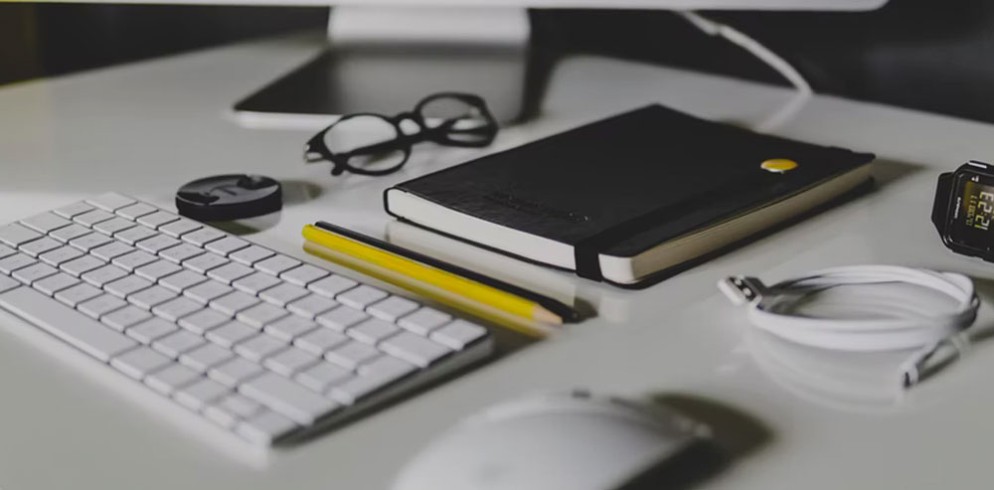
Laptops have swiftly evolved from a cool novelty to a daily essential for many of us in the digital age. Whether it’s for work, social media, hobbies, or exploring everything else the world wide web has to offer — there are lots of people who use laptops in 2021, about 76% of the public, in […]
Dirty Keyboards are Bacteria Hives
According to a survey from a well established office supplies company dirty keyboard are bacteria hives that could increase the transmission of cold and flu as the cold season approaches.
Computer and Telephone Cleaning Tips
Have you ever taken anytime to consider how many germs there are lurking in your keyboard or on your telephone dashboard?? If you did I think you’d find yourself not wanting to touch either again.

Not only is it hygenic to maintain a clean computer, but you could also prevent so many illnesses that could occur due to the germs lying in the machines.
It could also add years to the life of your computers and telephones, as not cleaning it could lead to it getting damaged.
Jonathon Millman, chief technology officer for Hooplah Interactive says:
“Your computer could fry if you don’t keep it clean.”
According to Microsoft at home, this is because when dust clogs the vents behind your computer, your CPU heats up—and heat is the biggest cause of component failure in computers.
But, don’t just go and get your nearest polish or cleaning products!! You need to be careful what use on your electrical equipment beacuse it can be damaged with the wrong products.
If you are not sure what to use, Total Clean Services Ltd offers bespoke computer and telephone equipment cleaning, for more information please contact us.
Cleaning Your PC Monitor
That’s right, its due time that the fingerprints and dead gnats are removed from the computer screen but don’t just wipe it with any cleaner you have under the sink. Monitors are delicate equipment and must be cleaned accordingly. Never spray directly on the screen–the liquid could seep under the edges of the monitor bezel and damage the circuitry within. Instead, lightly spray some suitable cleaner on a folded piece of soft cloth or a soft paper towel, then use that to wipe the glass.
Another option is lint-free wipes, which promise nonabrasive cleaning. Whichever method you use, your monitor should be turned off (better to see the dust and smudges you’re trying to remove), and you shouldn’t turn it on again until the screen is dry.
For LCD screens, steer clear of ammonia-based cleaners. Instead, use a soft lint free cloth dampened with plain water. Just make sure the cloth isn’t too wet, otherwise droplets could seep under the bezel and cause damage.
Monitors should never be opened. Never take the cover off any type of monitor, even if it needs cleaning. Why? Well, your PC’s monitor is one of the two components of your system that carry enough voltage to seriously hurt you (the other being your PC’s power supply). If your monitor needs to be serviced or cleaned on the inside, take it to your local computer shop.
(note CRT monitors are the monitor types that have some very dangerous voltages inside them LCD monitors don’t have the high voltage circuits that CRT’s do)